Dependency Graph features: blockers, hierarchy and work order
Dependency Graph draws Jira work items as boxes and issue links as arrows, so chains of blockers and the epic-to-subtask hierarchy are visible at a glance. It builds the graph from the links you already have and lets you fix them on the graph.
Dependency Graph by VortexWeb Innovations is a Jira Cloud app to view and visualize Jira dependencies as an interactive dependency map, from blockers and linked issues to the full epic-to-subtask dependency tree. About 3,500 people use it on 185 Jira sites (October 2026).
Answer the questions planners ask
- What is blocking this issue? Select any issue to highlight its whole dependency path, including blockers of blockers.
- Which work items can start first? Group by dependency level: level 1 is unblocked work, and each next level waits for the one before. "Level (by open issues)" skips finished blockers.
- Which dependencies cross epics? The "Cross Epic connection" filter keeps only links between issues in different epics or other parents.
- How much work is behind a link? Show estimates, remaining estimates and story points summed along the links.
Features
Full epic-to-subtask dependency tree
See every story and subtask of an epic together with their links

Progress on every card
Use "Progress" or "Σ Progress" for parent issues

- ✓ Free for up to 10 users
- ✓ No setup
- ✓ Runs on Atlassian
- ★ 5.0 on Marketplace
Create links on the graph
Click two issues to create a "blocks" link, or pick a custom link type

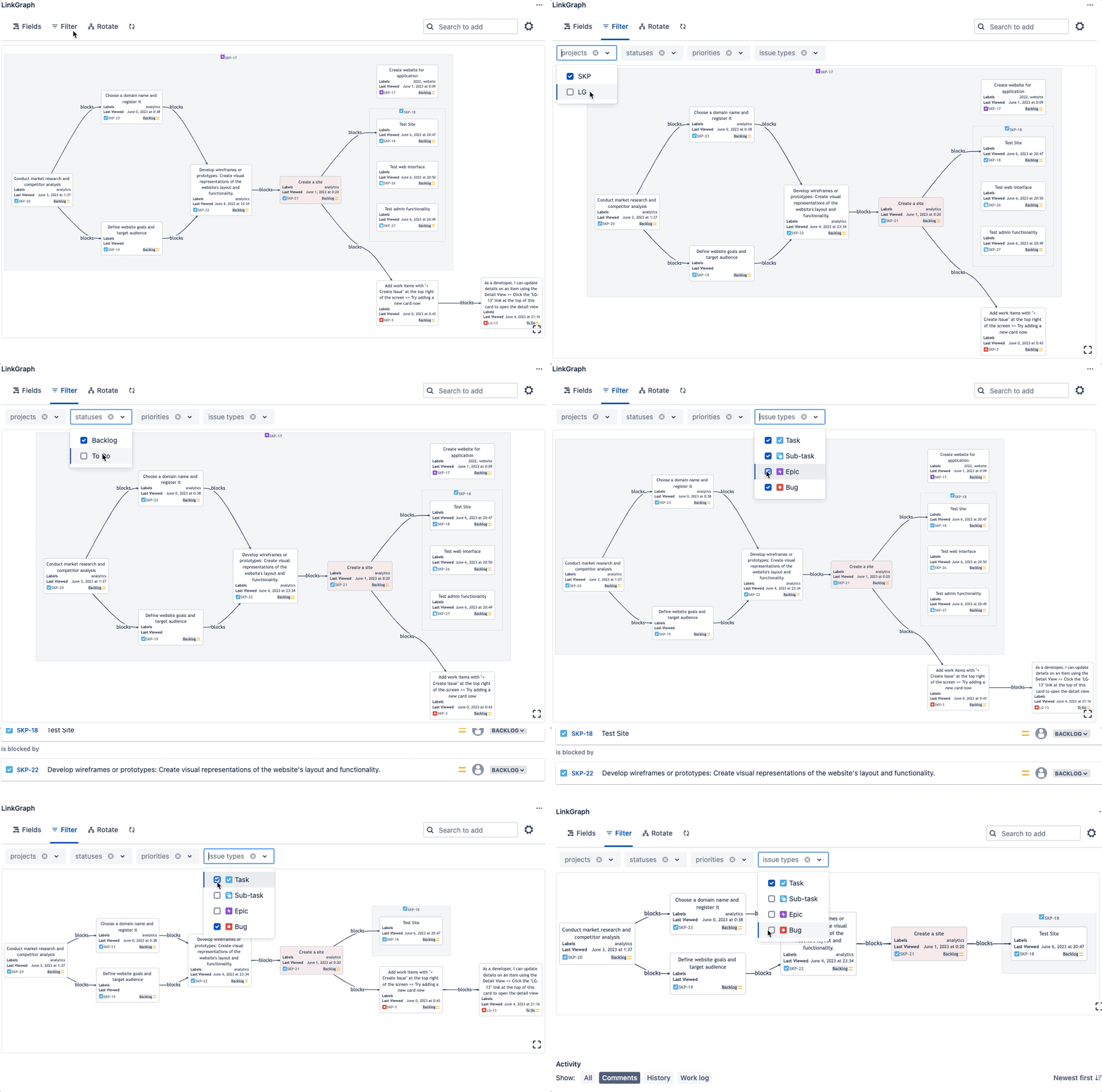
Filter the graph
Narrow the graph by status, team, sprint, link type, depth and more
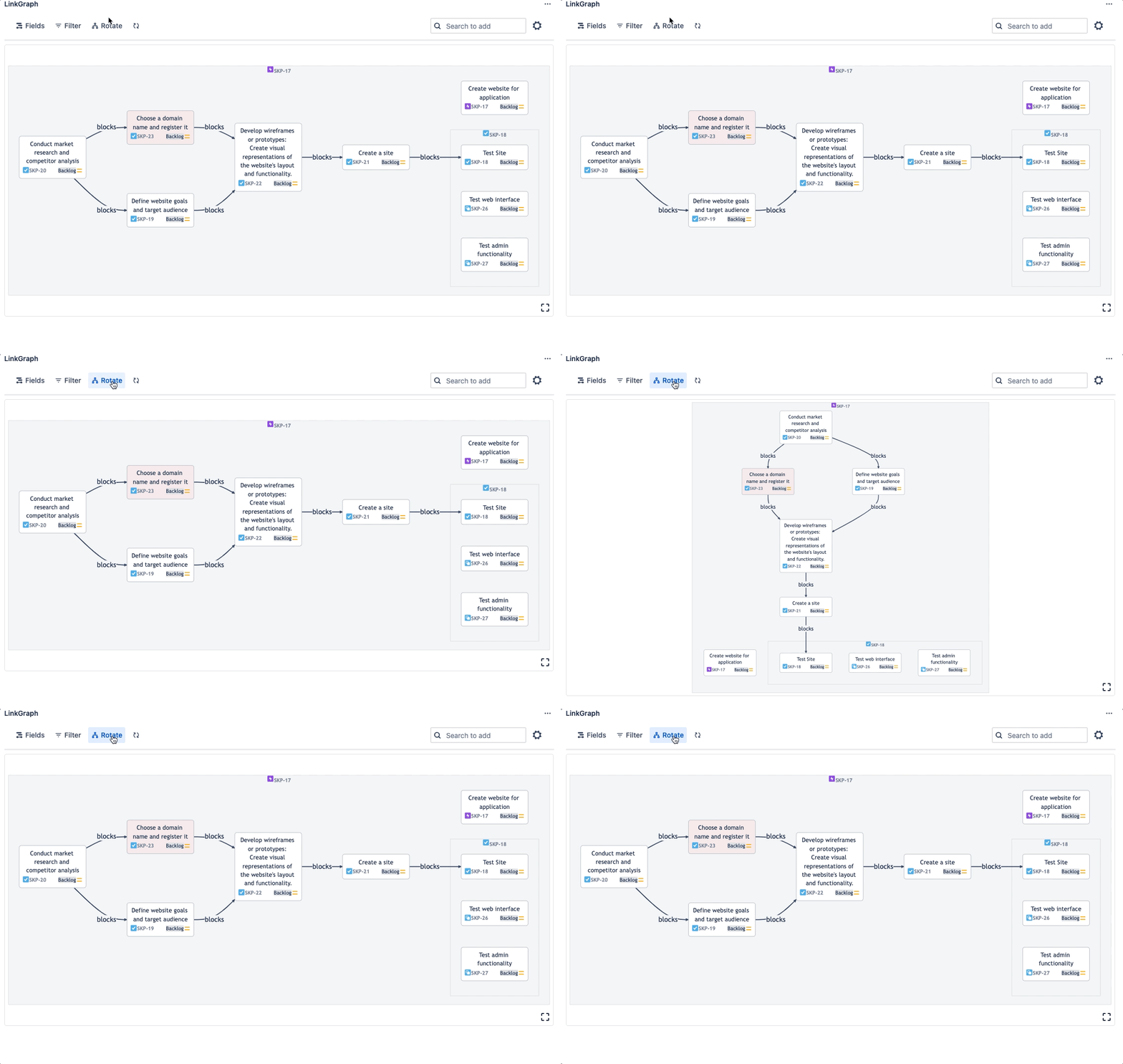
Rotate the layout
Left to right reads like a work sequence; top to bottom fits deep trees
Pan and zoom large graphs
Explore hundreds of linked issues

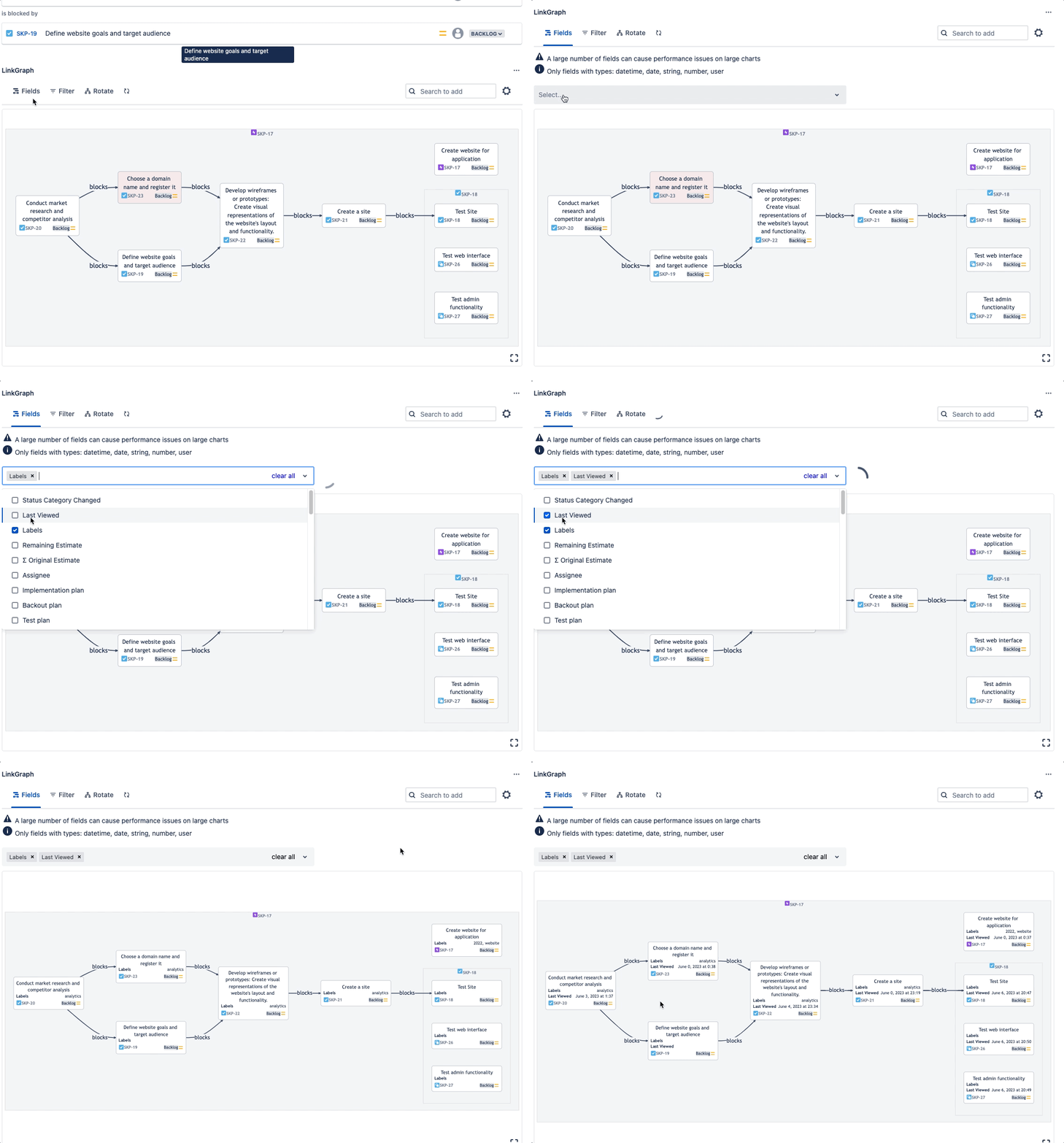
Choose card fields
Show due dates, assignees, labels, estimates and more on each card
Themes and dark mode
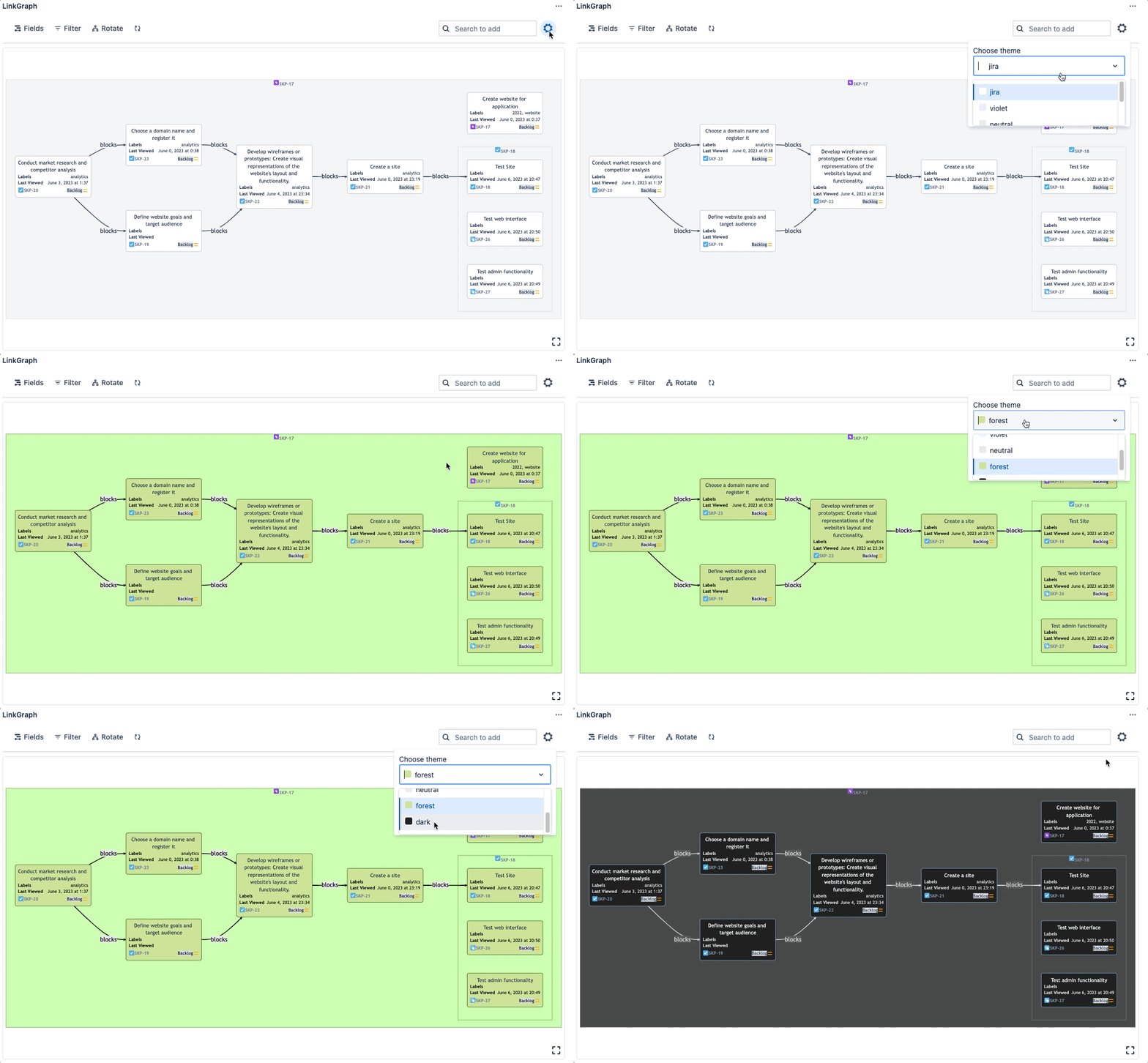
Try Dependency Graph free on Atlassian Marketplace
- ✓ Free for up to 10 users
- ✓ No setup
- ✓ Runs on Atlassian
- ★ 5.0 on Marketplace
Not a Jira admin? Ask your admin to install it.